Greenhouse WordPress plugin · $69/year
Your Greenhouse jobs, on your own website
A WordPress plugin for Greenhouse that gives every job on your board a real page on your own domain, styled by your theme, with applications that go straight into Greenhouse.
Greenhouse's embed, hosted board or the plugin?
Greenhouse's embed and hosted board are quick to set up and work well. The plugin is for when you want every job as a page of your own WordPress site.
| Feature | Greenhouse Jobs for WordPress | Greenhouse's embedded board | Greenhouse's hosted board |
|---|---|---|---|
| A page and URL per job | Yes, A WordPress page on your domain | Your careers page with ?gh_jid= | Yes, On job-boards.greenhouse.io |
| Job pages use your theme | Yes | The page around the frame | No |
| Department and location pages | Yes | No | No |
| Apply without leaving your site | Yes, With a Job Board API key | Yes | No |
| Setup | Enter your board token | Paste two code snippets | Add a menu link |
Source: Greenhouse's support centre on careers page options and embedding a job board.
Setup steps for each option: how to add Greenhouse jobs to WordPress.
Built for search
An SEO-friendly WordPress plugin for Greenhouse
Job seekers start on Google. The plugin gives each job a page Google can read, understand and send people to, on your domain.
-
Plain HTML pages on your domain
Greenhouse's embed shows your board inside a frame served by Greenhouse. The plugin serves every job as a plain HTML page on your own site.
-
Google for Jobs markup
Every job page carries
JobPostingstructured data: title, company, location, dates and the full description. -
Pages per department, location and type
Pages like "Engineering jobs" and "Jobs in Ireland" that can rank for their own searches.
-
Listed in your XML sitemap
Job pages and archive pages go into the sitemap, and closed jobs come out and come down.
-
Google Indexing API, optional
Connect a Google service account and the plugin notifies Google when a job is published, changed or closed.
-
Works with your SEO plugin
With Yoast, Rank Math, AIOSEO, SEOPress or Slim SEO active, the plugin leaves the description, canonical and social tags to it. No duplicate tags.
What Google does with them
- 1
Crawls each job page like any other page on your site.
- 2
Reads the
JobPostingdata, which makes the job eligible for Google's job search results. - 3
Sends the clicks, and the links people share, to your domain.
Greenhouse's own page for the same job carries job data for Google too, and Google picks which one to show. No plugin can promise rankings.
What the Greenhouse WordPress plugin does
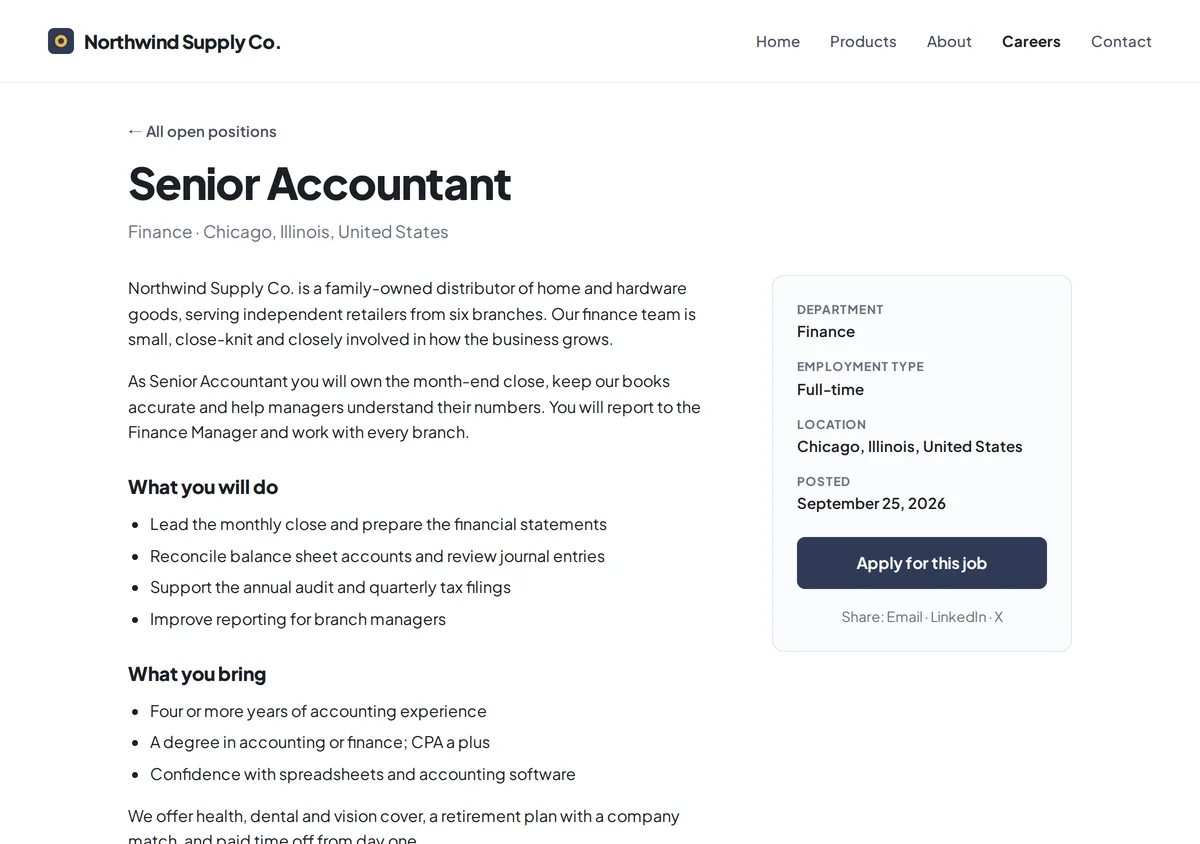
A page for every job
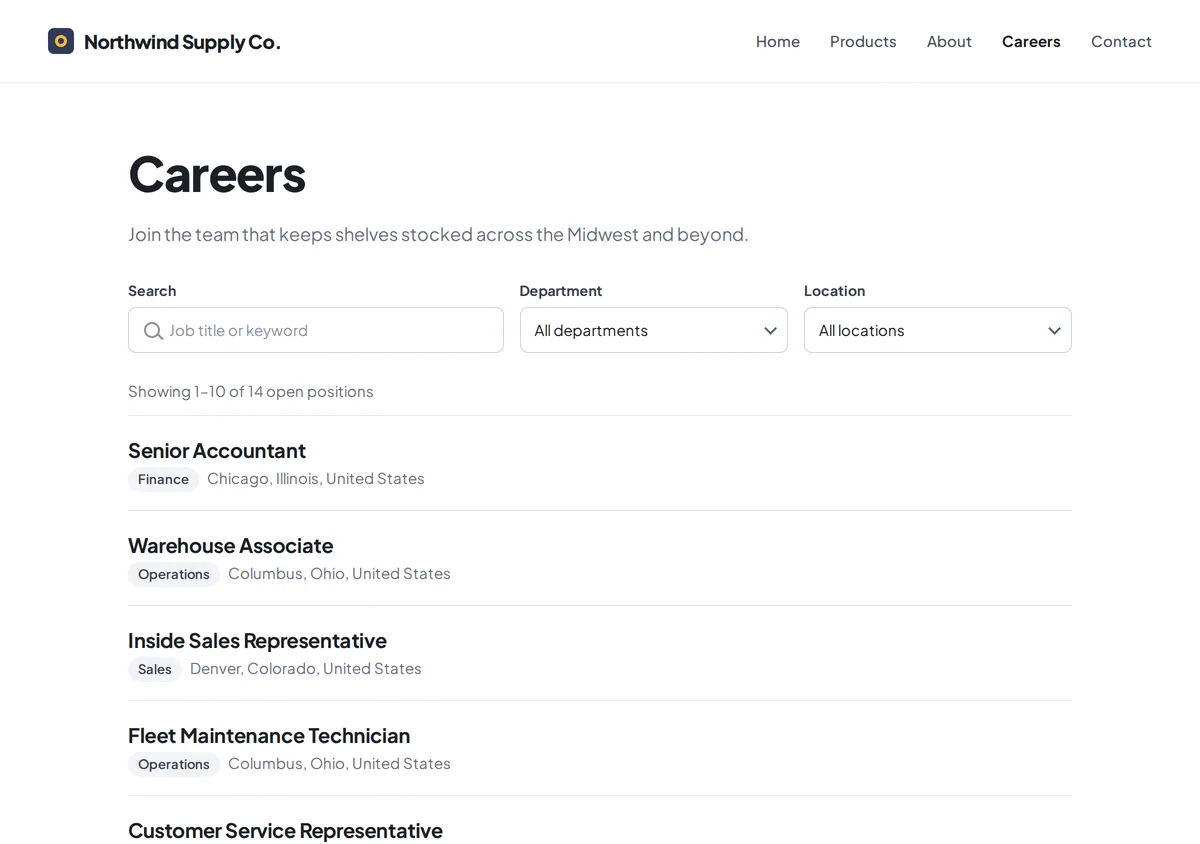
yoursite.com/jobs/senior-designer-4012345/. Job list with search and filters
Applications on your site
Views and applications per job
Blocks, shortcodes and templates
Sync every 30 minutes
Set up in three steps
- 1
Install and activate the plugin.
- 2
Enter your Greenhouse board token under Greenhouse → Settings in wp-admin and save.
- 3
Your Greenhouse jobs are live at
yoursite.com/jobs/.
Full steps, including the license key and the Job Board API key: connect Greenhouse to WordPress.
Pricing
Common questions
How is this different from Greenhouse's job board embed?
Greenhouse's embed is a quick way to show your board on a page: the board and job pages load in a frame served by Greenhouse. The plugin copies each job into WordPress instead, so every job gets its own page on your domain at yoursite.com/jobs/, with search and filters, job posting markup and an optional on-site application form.
Which Greenhouse plans does it work with?
Any plan with a Greenhouse job board: that is where jobs are imported from. On-site applications also need a Job Board API key, which a Greenhouse user allowed to manage API credentials can create.
Does it slow my site down?
No. Jobs are copied into WordPress on a schedule, so visitors read them from your own database instead of waiting on Greenhouse.
Do I need an API key, a Harvest key or partner approval?
Listing jobs needs only your board token, because Greenhouse's job board feed is public. On-site application forms also need a Job Board API key. You never need a Harvest key or Greenhouse partner approval.